
-500x500.jpg "UGREEN UNO 6-IN -1 USB C HUB (35998)")
| Feature | Specification |
|---|---|
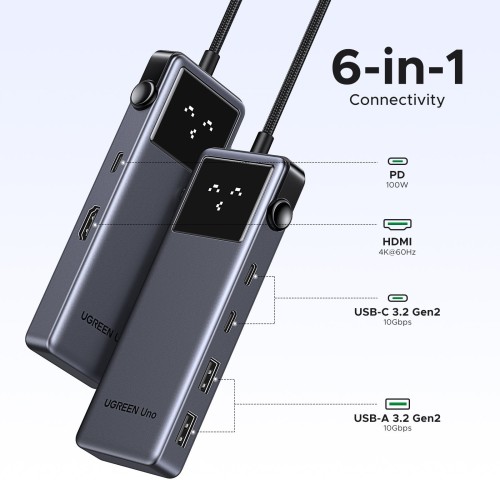
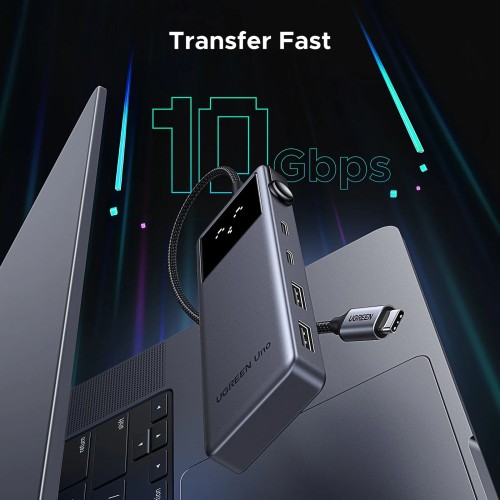
| USB Ports | 2 x USB-C 3.2 Gen 2 (10 Gbps, data only) 2 x USB-A 3.2 Gen 2 (10 Gbps) |
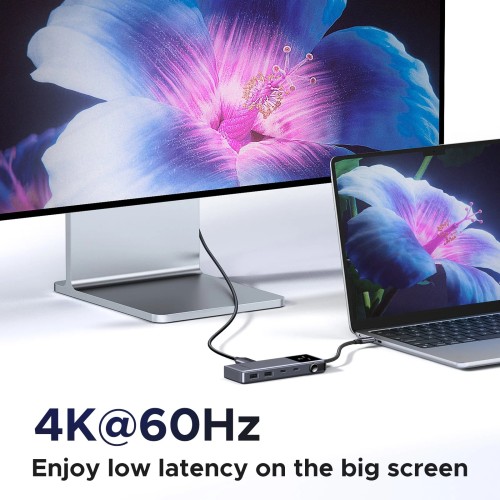
| HDMI Output | 4K@60Hz |
| Power Delivery (PD) | PD100W (85W pass-through, 15W reserved for other ports) |
| Transfer Speeds | Up to 10 Gbps for USB-C and USB-A ports |
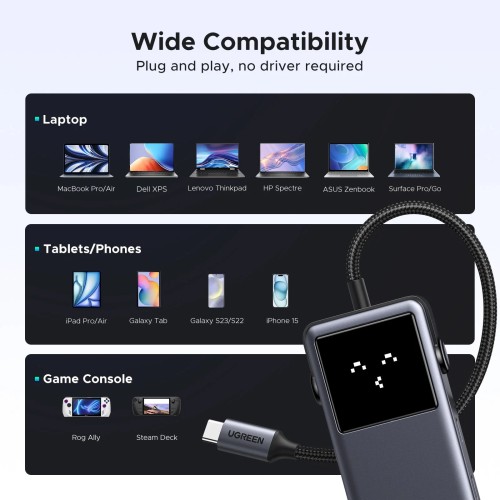
| Compatibility | Windows, MacOS, Linux |
| Supported Devices | MacBook Pro, MacBook Air, MacBook M1/M2, iMac, iPad Pro, Chromebook, Surface, XPS, ThinkPad, iPhone 16, Galaxy S23 |
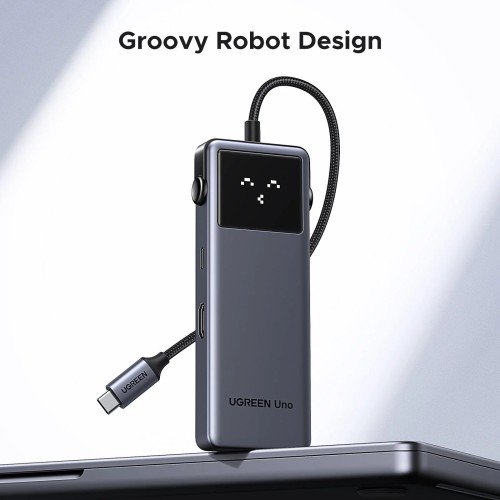
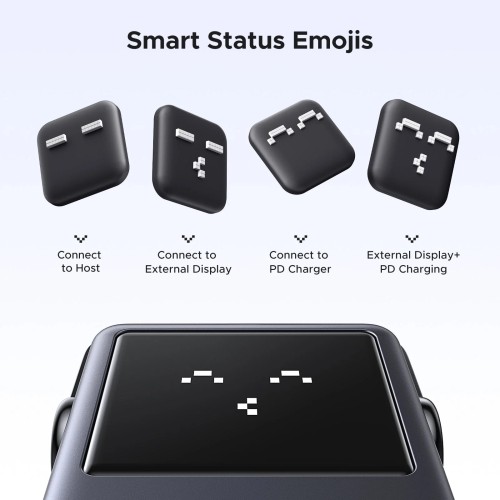
| Emojis Indicator | 4 smart status emojis |
| Device Type | Compatible Models |
|---|---|
| Laptops | MacBook Pro, MacBook Air, MacBook M1, MacBook M2, iMac, Chromebook, Surface, XPS, ThinkPad |
| Tablets | iPad Pro |
| Smartphones | iPhone 16, Galaxy S23 |
| Operating Systems | Windows, macOS, Linux |


Q: What devices are compatible with the Groovy Robot USB-C Hub?
The hub is compatible with a wide range of devices, including MacBook Pro, MacBook Air, iMac, iPad Pro, Chromebook, Surface, XPS, ThinkPad, iPhone 16, Galaxy S23, and many more USB-C enabled devices.
Q: Can I use the USB-C port for video output?
The USB-C port labeled for data transmission only supports data transfer and does not support video output. For video output, use the 4K HDMI port.
Q: What is the maximum data transfer speed?
The hub features two USB-C 3.2 Gen 2 ports and two USB-A 3.2 Gen 2 ports, allowing for data transfer speeds of up to 10 Gbps.
Q: How do I connect to an external monitor?
To connect to an external monitor, simply plug an HDMI cable into the hub’s HDMI port and connect it to your monitor. Ensure that your device supports video output via the USB-C port.
Q: What is the charging capability of the hub?
The Groovy Robot USB-C Hub supports up to 85W USB-C pass-through charging via the PD port, reserving 15W for powering other connected devices.
Q: Is the hub compatible with both Windows and MacOS?
Yes, the hub is designed to be plug-and-play and is compatible with multiple operating systems, including Windows, MacOS, and Linux.
Q: Do I need additional drivers to use the hub?
No additional drivers are required. The hub is plug-and-play, making it easy to use with compatible devices right out of the box.
Q: Can I charge my laptop while using the hub?
Yes, you can charge your laptop while using the hub’s features, thanks to its PD100W pass-through charging capability.
Q: What should I do if my device isn’t recognized?
Ensure that the hub is securely connected and that your device’s USB-C port supports data transfer and video output. If issues persist, try restarting your device.
Q: What is the warranty on the Groovy Robot USB-C Hub?
Please refer to the manufacturer's warranty information included with your purchase for details on coverage and duration.
Get specific details about this product from customers who own it.


